
How to Choose the Right Minecraft SMP Server for Your Playstyle
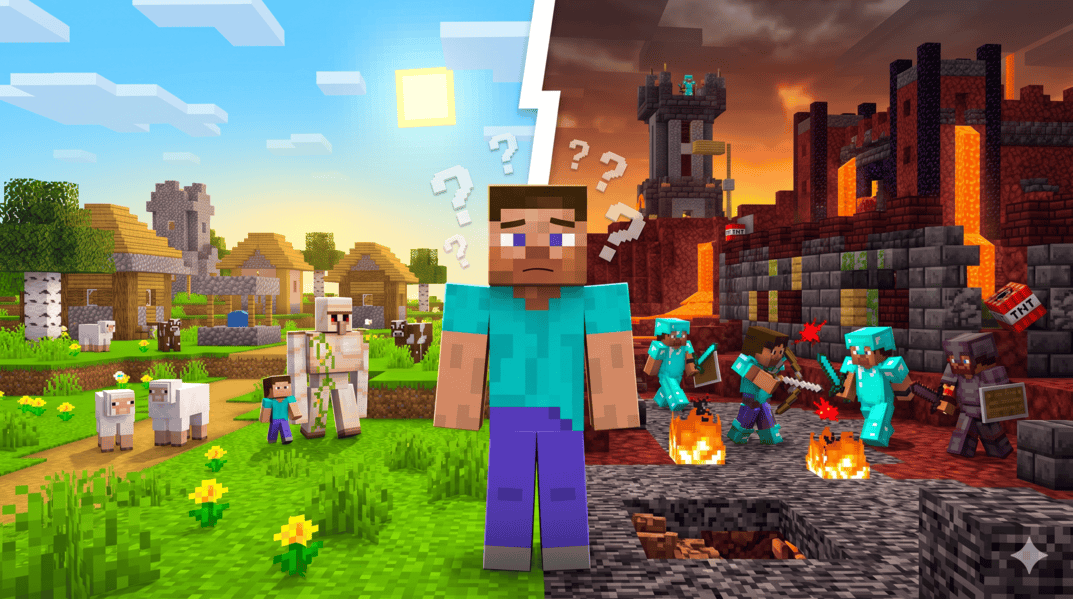
I've joined more SMPs than I can count. Some I stayed on for months. Most I quit within an hour. The ones I quit weren't bad servers — they were good servers, just not for me. That's the thing nobody really tells you when you're scrolling through a Minecraft server list: the server doesn't have to be broken to be wrong for you.
If you've ever joined an SMP, built a starter base, logged off, and then never logged back in… yeah. You picked the wrong one. This guide is about not doing that again.
First, figure out what you actually want from an SMP
Before you copy a single IP, sit with this question for a minute. What did you enjoy the last time Minecraft really clicked for you?
Was it building? Was it the rush of fighting another player and stealing their netherite? Was it talking in voice chat at 1am while you both farmed villagers? Was it just… the world? The biomes, the exploration, the slow grind?
People treat "SMP" like one thing, but it isn't. The label covers everything from a quiet semi-vanilla server with 12 friends to a 500-player lifesteal arena where you log in to die. If you can't answer the question above, you'll bounce off whatever you join, because no server can be all of those things at once.
Some quick gut checks:
Pick one. Maybe two. Don't tell yourself you want all of it.
Read the description like you're shopping, not browsing
Server listings are short on purpose. Owners have maybe 200 characters to convince you, so every word is a signal. Once you know what you're looking for, you can read between the lines really fast.
Some words that tell you a lot:
And some yellow flags:
Check the player count, but don't trust it blindly
A live player count is the single most useful number on a listing. It tells you whether anyone actually plays there.
But context matters way more than the raw number.
A server showing 6/20 at 3pm on a Tuesday isn't dead. It might be peaking at 30+ in the evening when its target timezone is awake. A server showing 0/100 could be brand new and growing, or it could be a ghost town someone forgot to take down. The 100-player slot count tells you what the owner hopes will happen, not what's happening.
Conversely, a server showing 2,000/1,133 (yes, that math is wrong, and yes, you'll see it) is using player count inflation. Some networks count Bedrock and Java separately, or include lobby players, or just lie. Big numbers aren't always the flex they look like.
What I actually do: if a server interests me, I check it twice. Once when I find it, once a few hours later. If the count is wildly different across both checks in a way that makes sense for that timezone, it's a real server. If it's identical or zero both times, move on.
The Discord tells you everything
This is the part most guides skip and it's honestly the most important one. Before you join any SMP, click the Discord link.
Five minutes in a server's Discord will teach you more than an hour on the actual server. Look for:
If a server doesn't have a Discord at all, that's not automatically bad — some really small private SMPs run entirely in-game — but for any public server with more than a handful of players, a missing Discord is a red flag. It usually means there's no community infrastructure, and SMPs without community infrastructure don't last.
The pay-to-win test
Every public server takes donations. That's fine. Hosting costs money, and most server owners are losing some of it. The question isn't whether they monetize, it's what they sell.
Cosmetics, tags, particle effects, custom prefixes, extra homes, a fly perk in spawn — totally fine. You're paying to flex, not to win.
Permanent stat boosts, exclusive enchants, kits with diamond gear, donor-only crates that drop endgame items, ranks that let you bypass /sethome cooldowns when nobody else can — that's pay-to-win, full stop. On a competitive SMP especially, this ruins the game. You'll grind for a week to get to where someone's wallet got them in five minutes.
The fastest test: open the server's store page (most have one linked from Discord). Skim the rank perks. If a $20 rank gives you anything that affects PvP, economy, or progression speed in a meaningful way, the server is pay-to-win. Decide if you care. Some people genuinely don't, and that's fine — but at least know what you're signing up for.
Match the version to your game, not the other way around
This sounds dumb but it trips up a lot of people, especially newer players.
If your Minecraft launcher is on 1.21.4 and the server says 1.21.11, you can't join. You need to install that version through your launcher first. If the server has a range like 1.20.1 – 1.21.11, you have flexibility, but the experience is usually best on the latest version the server supports — that's what the staff is actually testing on.
Bedrock players have it slightly easier (auto-version negotiation is more forgiving), but you still need to make sure the server supports Bedrock at all. Crossplay servers are usually labeled clearly. A Java-only server will not let your Switch friend in, no matter how much you both want it to.
Try before you commit
Here's the thing: you can't really know if an SMP is right for you from a listing. So don't try to. Treat your first hour on any server as a test, not a commitment.
When you join, do these things in order:
1. Read the spawn signs. Server rules, /commands, the basics. If spawn is confusing or empty, that tells you something about how much the staff cares.
2. Type "hi" in chat. Did anyone respond? With what energy?
3. Run /help or look at the menu. What can you actually do? Are there 200 commands you'll never use, or a clean tutorial?
4. Walk a few hundred blocks from spawn. Is there griefing visible at the edges? Are there other players' bases nearby? What does the world feel like?
5. Open the Discord and ask one question — about a plugin, a feature, anything. Time how long until someone helpful replies.
If those five steps feel good, build a small starter base and come back tomorrow. If they don't, no shame in leaving. There are thousands of other SMPs.
A short checklist before you click "join"
If you skipped most of the above, here's the cheat sheet:
If you can tick most of those, you're not gambling anymore. You're picking.
Where to look
SMPFinder lists servers across every category mentioned in this guide — SMP, lifesteal, RPG, Towny, anarchy, vanilla, hardcore, one-life — with live player counts, version info, and Java / Bedrock / Crossplay tags. Filter by what matters to you, then run servers through the checks above.
The right SMP is out there. Probably more than one. The trick is knowing what you're looking for before you start scrolling, because once you do, the search gets way shorter.
Now go find your home server.